Planning
Plan a whole month of posts in one go.
Planning post by post eats your week. Ask 'plan my next month' and get every post with a date, hook and caption, based on what works for you. Say yes and your calendar fills up.
- From ₹2,500 a month + GST$49 a month
- Cancel any time

December 2026
0 posts planned
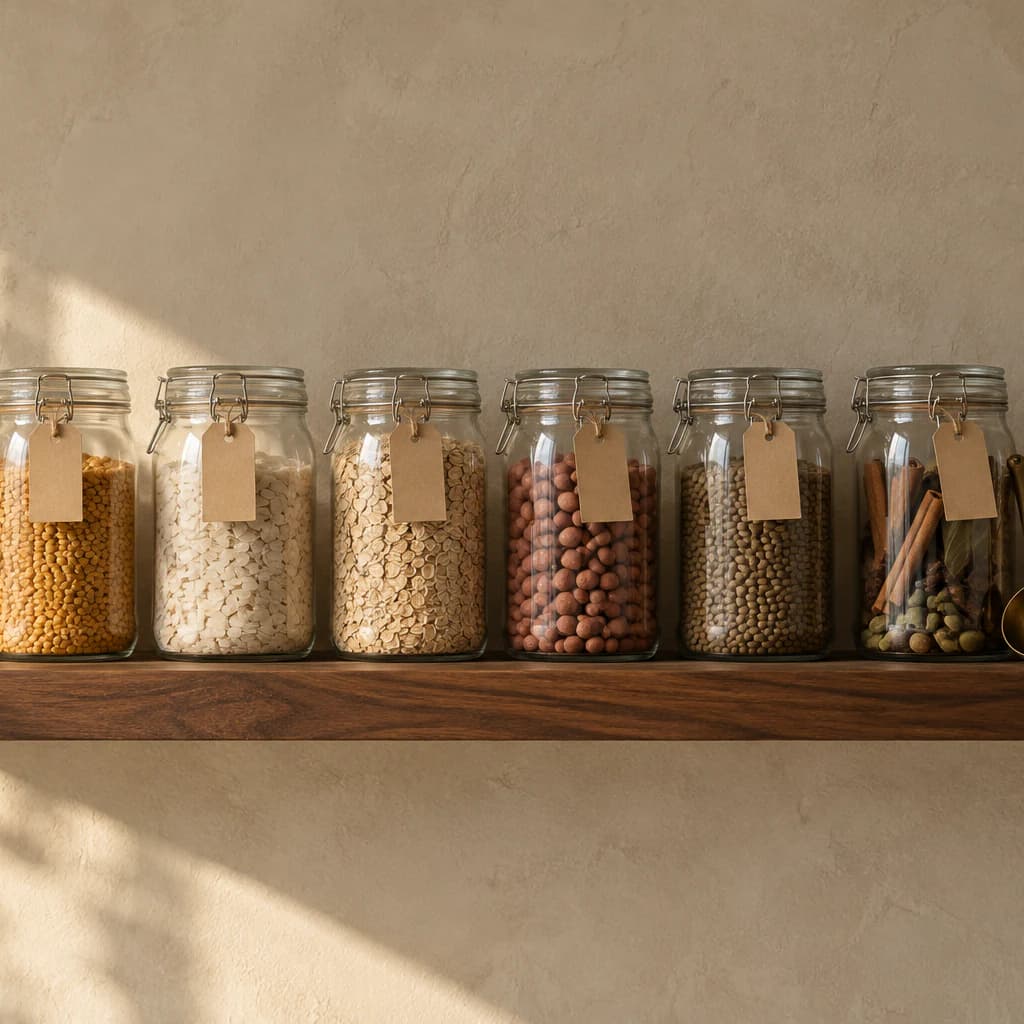 Reel · 7:40 pmYour counter is one shelf from calm
 Carousel · 7:40 pmFive jars I'd buy again
 Reel · 7:40 pmMy 6am routine, winter edition
 Reel · 7:40 pmTiny kitchen, three ways
 Carousel · 7:40 pmEverything I ate this week
 Reel · 7:40 pmOne outfit, five days
 Reel · 7:40 pmGift wrap with what you have
 Carousel · 7:40 pmGifts under ₹1,000
 Reel · 7:40 pmHosting in a small flat
 Reel · 7:40 pmA slow Christmas morning
 Reel · 7:40 pmLast-minute table setting
 Carousel · 7:40 pmMy year in ten photos
 Reel · 7:40 pmWhat I'm keeping in 2027
 Reel · 7:40 pmNew year, same small kitchen
Christmas is on the 25th. Plan any brand work for it now.
Every post comes with its caption too.
Sample plan.
On the iPhone app, the web and WhatsApp
How planning works on Synclify.
Name an occasion, or let the calendar spot one, and get a dated plan built from what already works on your account. Say yes once and the month is full.

 SynclifyBusiness account
See what is coming
The calendar marks the moments ahead, and says when one is close with nothing planned.
One place for all of it
Put everything in one calendar.
Posts, shoots, deadlines and launches usually live in different places. See them together, and drag anything to move it.
Drag a post to another day.
Big days
Plan around festivals your followers celebrate.
Big days sneak up on you. The calendar shows festivals and sale days for where your followers live. It reminds you to plan brand work in time.
- 7 Sep
September
Ganesh Chaturthi
Decor, food and family
- 2 Oct
October
Navratri
Nine days of outfits to plan
- 8 Nov
November
Diwali
Gifting, decor and brand work
- 25 Dec
December
Christmas and New Year's Eve
Gift guides and year-end posts
Most of your followers are in Mumbai and Pune, so these are the days on your calendar, with a reminder to plan brand work in time.
Sample account in Mumbai.
Your year
Find your best and slowest months.
See which months usually go well for you. This needs a year of posts, and it tells you if a busy month only happened once.
- BestDecemberStrong two years running
- SlowestJunePlan lighter, or plan ahead
- CarefulOctoberBusy only once, so not a pattern yet
Sample account with two years of posts. Hatched means busy only once.
Timing
Post at the best time, shoot on the right day.
Get the best time for your next post, and the days to shoot so nothing goes out late.
- MonShoot
- Tue7:40 pm
- WedShoot
- Thu7:40 pm
- Fri
- Sat11:30 am
- SunOff
Next post: Thursday, 7:40 pm.
Shoot on Wednesday so it's edited in time. Sample week.
Your way
Organise your content your way.
Group posts by topic, series, project or tag, and save the views you use most.
Kitchen2
- Tiny kitchen, three ways
- Five jars I'd buy again
Mornings2
- My 6am routine, winter
- A slow Christmas morning
Outfits2
- One outfit, five days
- Gifts under ₹1,000
One plan
One plan, every Instagram job.
Synclify does this alongside your posts, replies, numbers and brand deals, so you are not paying for a separate app for each one.
- On every plan
- Unlimited keyword DM automation
- Every dashboard, chart, export and report, unmetered
- A sentiment guard you can switch on, always on for catch-all rules
- Posting, scheduling and the calendar
The six apps a creator usually pays for
₹10,460$109 a month
Synclify Starter does all of it
₹2,500$49a month + GSTa month
- Ideas, scripts and captions
- Auto-reply to comments and DMs
- Plan and schedule posts
- Instagram analytics
- and two more
Cancel any time. 20% off yearly.
Lowest paid plan of each tool that does the job, where prices differ by source the lower one is used, list price in US dollars, billed yearly, checked on 9 and 10 October 2026. Where two tools do the same job, only one is counted. Compare these Instagram jobs, not every feature of the tools shown: they cover more networks and features. What's included in Synclify depends on your plan. Rupee amounts are the dollar prices converted at ₹96 to $1, before GST.
How many hashtags should I use?
Five at most. That's Instagram's limit, counting your caption and your own comments.
Will it post without asking me?
Not when you ask it for something. It shows a card first and waits for your OK. Things you turn on, like scheduled posts, comment rules or the DM agent in Send mode, run on their own until you pause them.
Connect your account and ask your first question.
It takes two minutes. Your first answer comes from your own posts.
Cancel any time. Every dashboard and report is free to open.